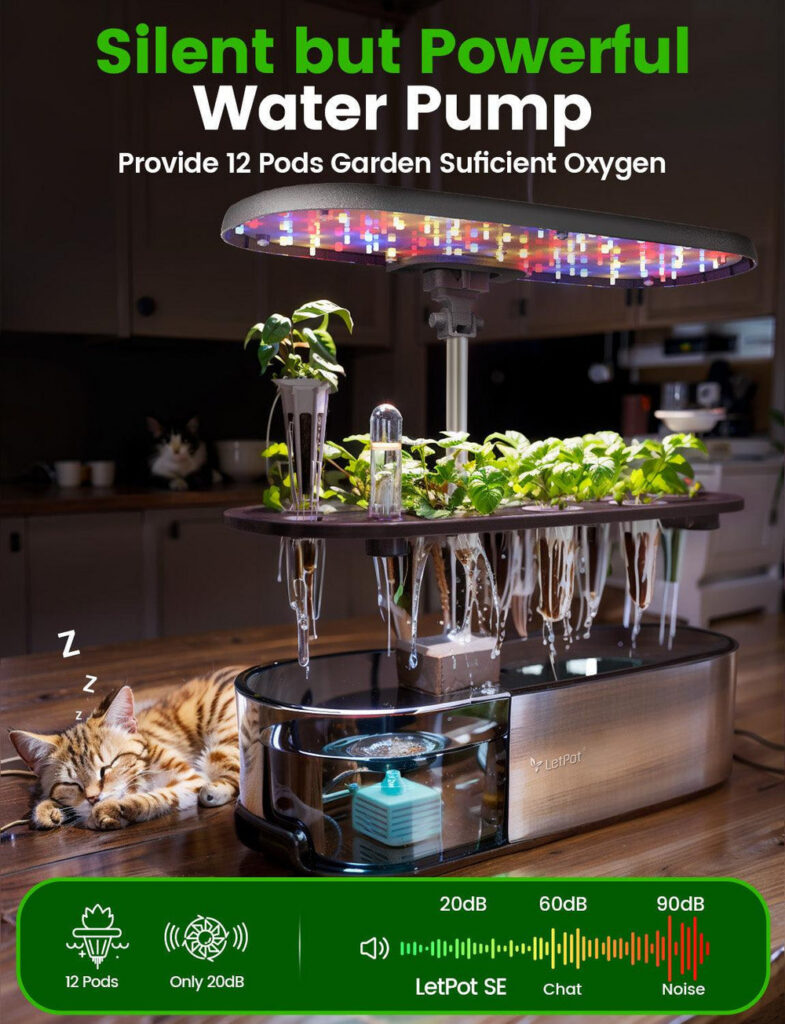
A smart garden’s water pump is rarely the thing that bothers an open-plan office — manufacturer specifications put pump activity well under normal office chatter, which acoustic guidance commonly puts at 40–50 dB(A) in occupied open-plan spaces. The grow light is the more likely complaint, especially if it faces someone’s screen or a video call.
If you’re buying a smart garden for a shared office rather than a private kitchen, noise and light are the two things colleagues actually ask about before anyone discusses herbs. A pump that cycles every so often and a grow light running most of the day both have the potential to annoy a desk neighbour, so it’s worth knowing what the hardware actually does before it ships. This covers what LetPot’s own specifications say about pump cycles and light output, what typical open-plan offices tolerate, and where to position a unit so it blends in rather than becomes a running joke in the next team meeting.
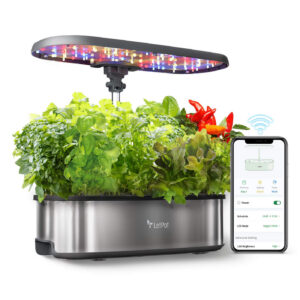
Products mentioned — in stock at IndoorGarden, shipped from Tallinn across the EU.
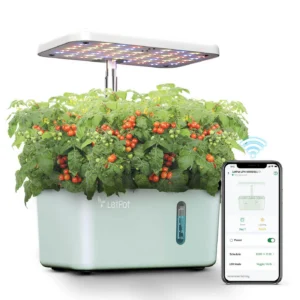
How loud is a smart garden’s pump, really?
LetPot’s own specifications describe the Senior‘s water pump as running in 30-minute circulation cycles rather than continuously, and the smaller Mini follows the same cycling pattern at a lower flow rate. Our product pages quote pump noise at its loudest as commonly sitting around 30–40 dB — roughly the level of a quiet refrigerator. For comparison, acoustic research on occupied open-plan offices puts typical background noise closer to 40–50 dB(A), with some guidelines treating around 45 dB(A) as the practical ceiling for a comfortable open-plan space (Institute of Acoustics). In practice, that means a pump cycle is unlikely to register above the keyboard clatter and conversation already happening around it, though a desk sitting right next to the unit in an otherwise silent focus room is a different story.
Is the grow light too bright for an open-plan desk?
Light is the part that actually divides opinion. LetPot’s full-spectrum LEDs run at 10 W on the Mini and 24 W on the Senior, and our own guide to placing a smart garden at home puts the output at roughly 4000 lux at 30 cm from the panel. European workplace guidance for a standard office workstation recommends around 500 lux at the desk (Swedish Work Environment Authority, citing EN 12464-1), so a grow light at close range runs brighter than most desks are lit for, even though it dims quickly with distance. The practical risk is less about overall room brightness and more about a bar of bright white-and-pink light sitting in someone’s peripheral vision for most of the working day.
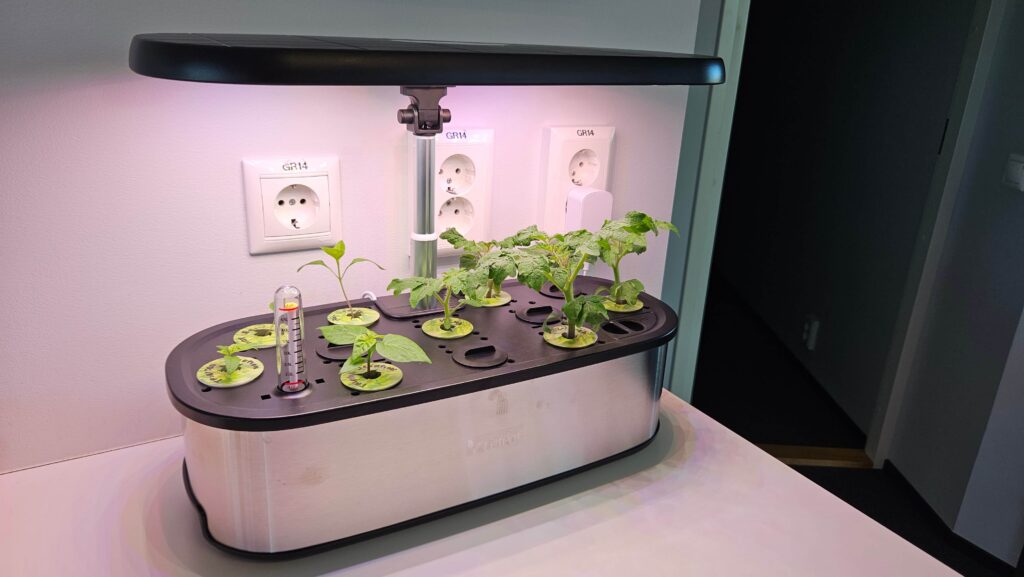
Where to put it so it doesn’t become a distraction
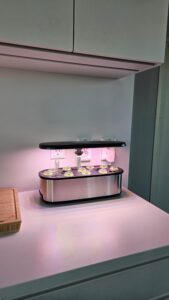
Positioning solves most of this before scheduling even comes into play. A shared kitchen or breakout counter works the same way it does at home: it’s a space people walk past rather than sit beside all day, so neither the pump cycle nor the light reads as a constant presence. On an open floor, a side table or low shelf facing a wall rather than a row of desks keeps the light out of people’s direct line of sight. Avoid the spot directly behind someone who takes video calls — the same white-and-pink spectrum that helps seedlings can skew a webcam’s white balance, which is one reason our guide to placing a smart garden at home suggests angling the unit away from a desk camera.
Using schedules and night mode to cut noise and light during calls
Both LetPot models let you set light and pump schedules from the app or the unit’s own touchpad, so Wi-Fi isn’t required to use this feature. Running the light on a daytime schedule that starts before the first person arrives and ends before most meetings wrap up means the brightest hours overlap with the busiest part of the office day anyway, when ambient light and activity are already at their highest. For a room that’s quiet for part of the day — a meeting room doubling as a plant corner, for instance — shifting the light window later avoids the LED being the only thing on in an otherwise dim space. The pump runs on its own fixed cycle rather than reacting to activity in the room, so scheduling mainly affects the light rather than the water circulation.
| Model | Light power | Pump cycle | Price | Best for |
|---|---|---|---|---|
| LetPot Mini 5-Pod | 10 W | Cycles intermittently; schedule via app or touchpad | 59,00 € | A single desk or small pod station |
| LetPot Senior 12-Pod | 24 W | 30-minute circulation cycles; schedule via app or touchpad | 129,00 € | A shared kitchen or larger team area |
Frequently asked questions
Will the pump wake someone on a phone call?
Unlikely. Pump cycles run intermittently rather than continuously, and manufacturer specifications put the loudest cycle around 30–40 dB — below the 40–50 dB(A) background noise typical of an occupied open-plan office. A quiet, enclosed phone booth is the one setting where the difference might stand out.
Can I schedule the light so it’s off during meetings?
Yes. Both models let you set a daily on/off schedule from the LetPot app or the unit’s touchpad, so you can pick hours that avoid your busiest meeting-room bookings.
Will the light interfere with video calls?
It can, if the unit sits in the background behind someone’s webcam. The full-spectrum LED casts a white-and-pink tone that can skew a camera’s white balance; angling the unit side-on or keeping it out of frame avoids this.
Does a smaller unit run quieter than a bigger one?
The Mini’s 10 W light and smaller pump draw less power than the Senior’s 24 W system, but both are designed to cycle rather than run continuously, so the practical noise difference at a desk is minor. Capacity and footprint are the bigger reasons to choose one size over the other.
What if our office has quiet hours or hot-desking?
Treat the smart garden like any other shared appliance: place it somewhere people pass rather than sit directly beside, and use the app schedule to keep the light off outside core hours if the space is also used for quiet work.
Does the unit need Wi-Fi to run on a schedule?
No. Both the Mini and the Senior have their own touchpad controls for light and pump timing, so scheduling works with or without connecting to the office Wi-Fi.
Where to start
For most shared offices, the LetPot Mini is the lower-risk starting point — smaller light, smaller footprint, and an easy spot to tuck into a corner while colleagues get used to it. If the plan is a shared kitchen rather than a single desk, the 12-pod Senior scales up without a large jump in noise or light output. Either way, check the full smart garden range for current stock, and get in touch if you’re ordering more than one unit for the office.